01
Add your track
Import audio plus an image or video.
Create music visualizers and lyric videos for YouTube, TikTok, Instagram, and other social platforms—while your files remain on your device.
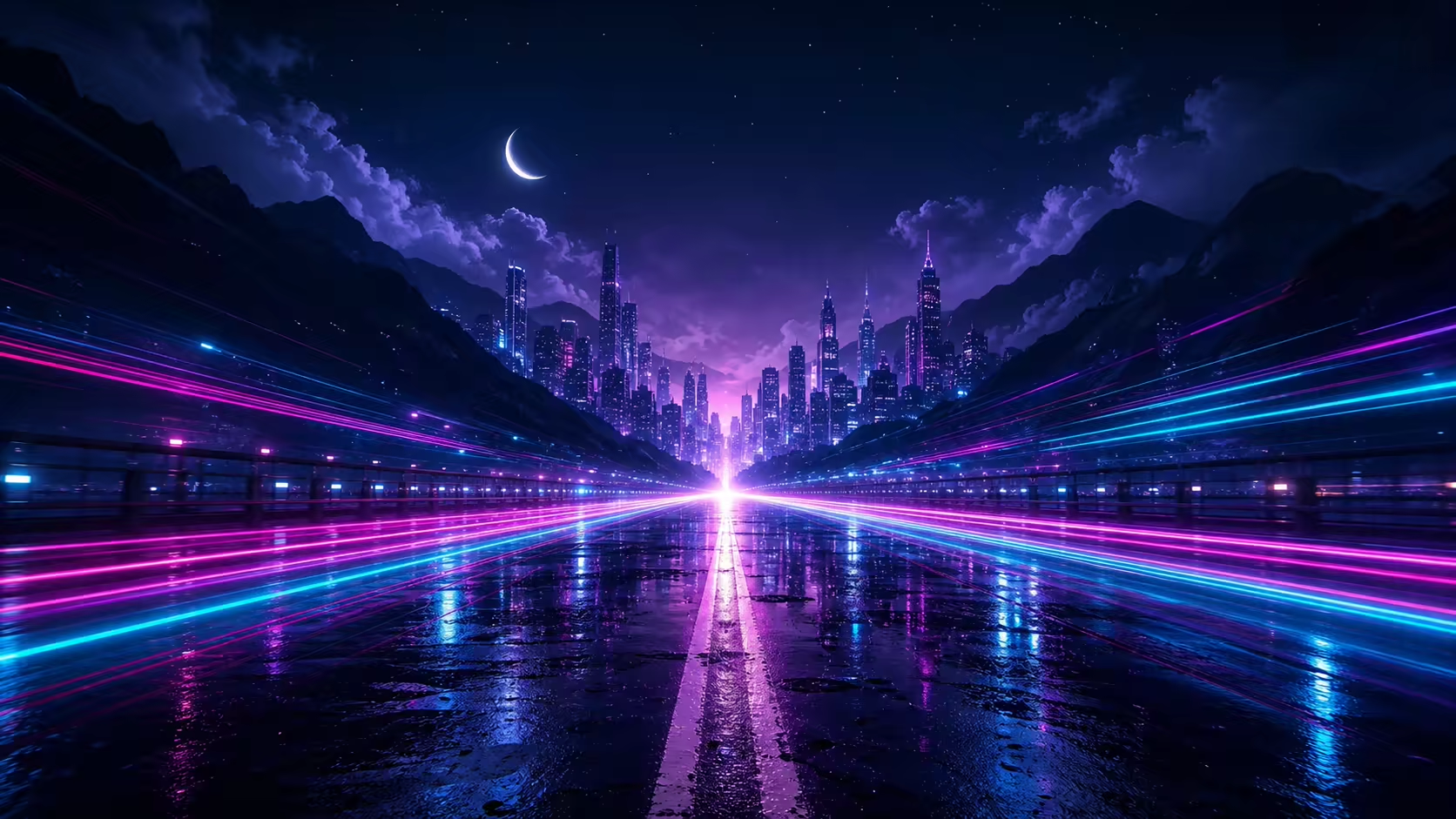 Running through the city lights
A focused workflow for turning the media you already have into release-ready motion.
Import audio plus an image or video.
Depth Pulse, Liquid Motion, or Light Trails.
Paste the original words and align them locally.
Choose 16:9, 9:16, or 1:1 in 720p or 1080p.
Switch visual styles in a click, then tune how bass, mids, highs, and beats shape the motion.
Paste or upload the original lyrics. VFXBeat aligns them to the track locally, preserves every line break, and lets you fine-tune the timing.
Heartbeat loud, can’t escapeWe’re running out of daysVFXBeat is local-first by design. Audio analysis, project storage, lyric synchronization, preview, and export happen in your browser.
Export 16:9, 9:16, or 1:1 video at 720p or 1080p, rendered privately on this device.
Discover music visuals created by the VFXBeat community.
Turn a track into an audio-reactive music visualizer, add original lyrics when you need them, and keep your song and artwork on your device while you work.
Compose once, then choose a frame that makes sense for your release plan.
VFXBeat handles audio analysis, projects, lyric synchronization, preview, and export in your browser. Your media does not need to be uploaded for processing.
Learn about local processingNo. Media processing happens locally in your browser, and your source files stay on your device.
Yes. Add original lyrics, align them to the track locally, and fine-tune the timing.
Choose 16:9, 9:16, or 1:1 at 720p or 1080p. The available MP4 or WebM format is based on the browser.
Bring the track. Bring the artwork. VFXBeat handles the motion.